Tips
Guest photos without an app — collect via browser
10 min read
Published 15 July 2026Updated 31 October 2026
TL;DR: The easiest way to collect guest photos without an app is a QR code + a browser page. Guests scan the QR with their phone camera, the event gallery opens, they pick photos and send them — no account, no download, no login. That is how FotoClick works — the entire app lives in the browser.
How do you collect photos from guests without an app? Instead of asking them to install anything, you hand them a QR code — once scanned, the event page opens and they can upload straight from their phone gallery. Below we explain why "no app" is the new default, how it works under the hood, and what else guests get in the browser — push notifications, an auto-resend queue, a shared gallery.
Why "please install our app" will not work
Picture Aunt Grace, your uncle at your son's first communion, or the CEO of a client attending the company retreat. You walk up and say: "hey, to upload photos, download our app from the store, sign up with your email, confirm it, log in, and enable notifications".
It will not work. And it is not because these people are difficult or old — every extra install is a barrier that eliminates 30-50% of guests. Even younger, tech-savvy people hesitate the moment they see a prompt for yet another account.
A real event scenario:
- The guest has no free space on their phone ("128 GB full").
- They do not want to sign in with their work email.
- The Play Store or App Store asks them to sign in and they cannot remember the password.
- They are afraid the app will spam them after the event.
The outcome: great photos from the party stay on 40 phones and nobody ever sees them. All because of one sentence — "download the app".
The fix — the whole app lives in the browser
We built FotoClick so that the guest does not have to install anything. The entire guest app runs in the browser they already use every day (Safari on iPhone, Chrome on Android, Samsung Internet, Firefox — whatever they have).
This is not a "lite version" or a "landing page before you install the real app". It is a full application — with photo uploads, a shared gallery, push notifications, an announcements feed, and an auto-resend queue. All in the browser.
What a guest gets without installing anything:
- A preview of every photo from the event in one place
- The option to upload their own from their camera roll or straight from the camera
- Push notifications (optional — one tap to enable)
- An announcements feed from the organizer ("we are uploading the first dance right now")
- A separate view of just their own photos
Everything in the same tab they landed on through the QR code.
How it works technically — no smoke and mirrors
Let's be honest about what actually happens under the hood, so we do not leave you with a magic-trick impression.
QR code = a web address
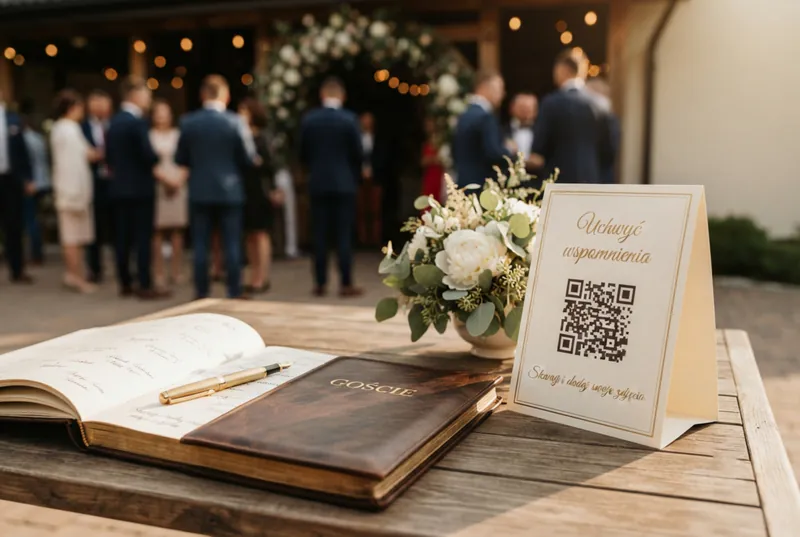
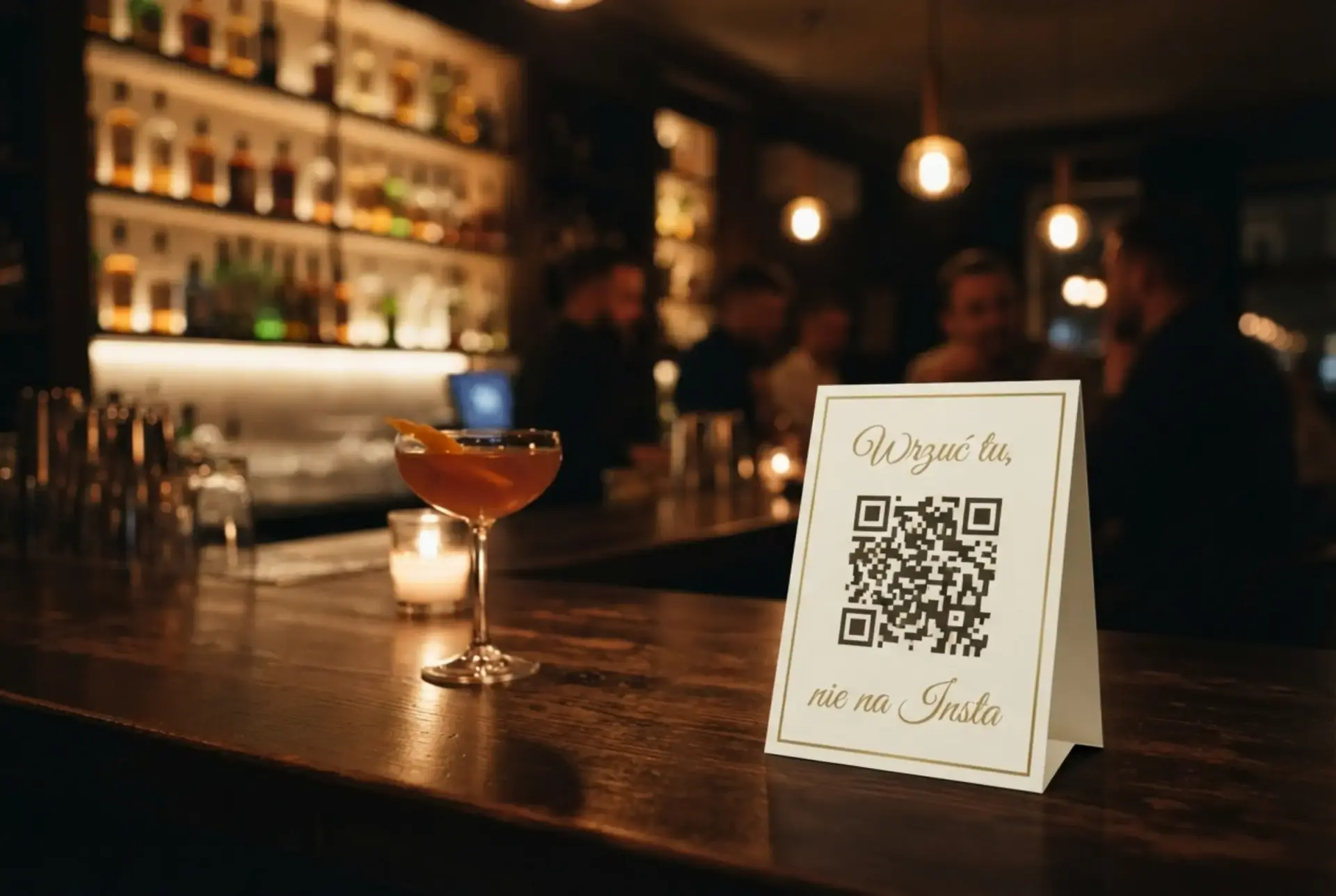
The QR on the placard you place on the tables is simply an encoded link to the event gallery. Nothing more. The guest scans it with their phone camera (this works natively on iOS 11+ and pretty much every modern Android, no separate QR app needed), the phone asks "open in browser?", the guest taps yes — and they are in the gallery.
Web push notifications — push without an app
Push notifications used to require a native app. Today every modern browser (Safari 16.4+, Chrome, Firefox, Edge) supports web push. The guest taps "Enable notifications", accepts the system prompt, and receives pushes exactly the same way a native app would deliver them.
Practical use: the organizer broadcasts "first dance in 5 minutes, come back to the floor" — everyone gets a notification, even if they just closed the gallery.
auto-resend queue — no connection does not stop the upload
A wedding hall in a basement, a restaurant deep in the mountains, grandma's countryside house — signal can be dramatic. Uploaded photos land in a queue in the browser first, and when the internet comes back (even on the ride home), they send themselves in the background. The guest does not have to reopen the gallery or tap anything.
Optional install as an app
If the guest wants to, they can save the event page as an icon on their phone home screen — then it looks and behaves like a normal app and opens in full screen. But this is an option, not a condition. Nobody has to do it to upload photos.
For most guests, scanning the QR and staying in a browser tab is enough. Saving it as an app is for people who want to come back to the gallery for a week after the wedding and keep it handy like a regular app.
Step by step — what it looks like from the guest side
Here is the full flow through Aunt Grace's eyes at a wedding.
Step 1 — Scanning the QR. Grace sees the placard on the table. She opens the camera app on her phone (not a QR-scanner app — the native camera), points it at the code. The phone asks "open fotoclick.pl/...?". She taps "open".
Step 2 — PIN (if enabled). If you set a guest PIN, Grace types the 4 digits you printed on the placard or told her in person. Only once — the device remembers her afterwards.
Step 3 — Gallery. The event gallery opens. Grace sees photos other guests have already uploaded. No signup, no email, no password.
Step 4 — Upload. She taps "Add photos" (a button that is hard to miss), picks 15 photos from her camera roll from the first dance, selects them and hits send.
Step 5 — Done. The photos fly into the shared gallery. Grace sees her own photos marked as "yours" and can delete any that did not come out well. She closes the tab and heads back to the dance floor.
Total time: under a minute. No account, no app, no email.
What the organizer sees — full control without limiting guests
The fact that guests do not sign in or install anything does not mean you lose control. Quite the opposite.
The organizer panel gives you:
- A live preview of every photo as it arrives
- Moderation (you can hide a specific photo with one tap)
- A PIN that keeps the gallery away from random people
- A push broadcast to every guest ("cake in a minute")
- An announcements feed visible to everyone
- A ZIP archive with the entire gallery in full quality to download after the event
- A PDF placard designer (Default gold, Simple, Dark, Burgundy, Sage) with your text and QR
Everything on your side — while guests just keep scanning and uploading.
Universal — not just weddings
The "QR + browser" pattern works identically at any event:
- Weddings. Placards on the tables, guests aged 20-80, everyone can handle it.
- 18th birthdays. Teens will not install "the app my parents told me about" — but QR works.
- Christenings, first communions, first birthdays. Grandparents scan, grandchildren cheer.
- Corporate retreats. No trouble with IT policy ("we are not allowed to install apps on work phones").
- Conferences and company galas. Attendees do not have to register again — they have enough forms already.
- Bachelor and bachelorette trips, group holidays. Nobody wants to chase 15 group chats — one gallery for everyone.
The same FotoClick account will handle your wedding in June, your daughter's birthday in September, and the company retreat in November — without forcing anyone to install anything.
Use case — Kate and the company retreat
Kate is an event manager at a mid-sized IT company. She is organizing a retreat for 120 people at a hotel outside Warsaw. Until now she collected photos through a shared folder in the company cloud — half the attendees never uploaded anything, the other half could not figure out how to log in.
For the last retreat she used FotoClick. She placed QR placards on 12 tables, one on the stage, and one at the bar. In the briefing she said only: "scan the QR with your phone camera, no login needed to upload photos".
Results:
- The morning after the retreat, the gallery had over 800 photos from 120 people.
- Zero emails from IT along the lines of "what app is this, I cannot install it".
- The CEO sent a push broadcast: "thanks to everyone for the evening, the gallery is available for a week".
- Kate downloaded the ZIP on Monday morning and dropped the best shots into the intranet.
The key difference vs. previous events: nobody asked "how do I install this?" Because there was nothing to install.
Frequently asked questions
Does the guest really not need to create an account? Really. They scan the QR, optionally type the PIN (if you enabled one), and they are in the gallery. The guest's device is identified automatically, so they can see which photos are theirs — without an account.
Does it work on older phones? Yes. We only need a browser that supports basic web standards — pretty much any phone from the last 6-7 years will do. Aunt Grace on an iPhone SE from 2019 opens the gallery just as quickly as your CEO with a brand-new Android.
Do push notifications work without installing an app? Yes — modern browsers (Safari 16.4+, Chrome, Firefox) support web push. The guest taps "Enable notifications" in the gallery, accepts the system prompt, and receives pushes from the organizer.
What if a guest has no signal in the venue? The upload queue works offline. Photos land in a queue in the browser, and when the internet comes back (even on the ride home), they send themselves in the background. The guest does not have to reopen the gallery.
Does the page look like an app? You can save it as an app — then it adds an icon on the phone home screen and opens in full screen without browser bars. It is an option, not a requirement — 90% of guests just use a normal browser tab and that is plenty.
How can you be sure the photos land in the right event, not in someone else's gallery? Every event has a unique link encoded in the QR. Even if someone scans a QR from a different wedding, they land in a different gallery — two events never mix. You can also turn on a PIN so that only guests who know the code have access.
What next
If you are planning an event and want your guests to upload photos with as little friction as possible:
- Check the full playbook: how to collect wedding guest photos — the whole flow from placards to ZIP.
- See how to generate a wedding QR code step by step — with rules on size, placement, and testing.
- Learn how a shared event gallery works and what else guests can do there.
Create your event at fotoclick.pl, generate placards, place them on the tables — and forget the phrase "please download our app".
Create an event in 30 seconds
Guests scan a QR code and upload photos. No app, no account needed.