Weddings
How to Collect Photos From Your Wedding Guests — The Complete 2026 Guide
9 min read
Published 15 July 2026Updated 31 October 2026
TL;DR: The most effective way to collect photos from wedding guests is a QR code on every table + a shared browser-based gallery. Guests scan the code and upload photos from their phones — no app to install, no account to create. You download everything as a full-quality ZIP after the wedding. Setup takes 30 seconds in FotoClick.
How do you collect photos from your wedding guests? Place QR-code cards on every table. Guests scan with their phone camera, a page opens in the browser, and they upload photos with a single tap. Everything lands in one gallery you can access — live during the wedding, and as a full-quality ZIP afterwards. Below: a comparison of collection methods and a practical checklist.
The problem — why guest photos disappear into a black hole
After the wedding, almost every couple says the same thing: "I've got the photos from the photographer, but where are all the shots the guests took?" Your aunt on the dance floor at 2 a.m., the uncle who took 50 selfies, the groomsmen goofing around — those moments spend their whole lives trapped in other people's phones and never make it back to you.
The wedding wraps up at 4 in the morning. You head back to the hotel happy, exhausted, and full of memories. The next day — or a week later, once you're back from the honeymoon — the first thing you do is scroll through the photographer's photos.
And here's the trap.
The photographer will take their beautiful photos. But that's one person's point of view. They weren't standing at the table when your aunt cracked everyone up with a joke. They weren't on the dance floor when the groom's best friend broke out a dance move from the '90s. They didn't catch the quiet moment when Grandma teared up during the first dance.
Those photos exist. They're sitting on the phones of the 80 to 150 people who were in the room that day. The problem is:
- The WhatsApp group "Anna & Marcin's Wedding" — someone starts it, 30 photos land on day one, and then nothing. Your uncle sends five selfies, your aunt replies "gorgeous!" and the thread quietly dies.
- "Can you send me those photos tomorrow?" — you ask everyone in person. Everyone says "yes, of course." A week later, three people remember. A month later, nobody.
- An Instagram hashtag — you post #AnnaMarcinWedding. Two people use it, everyone else forgets. Plus all those photos end up on public Instagram, not with you.
- A shared Google Drive folder — it needs a Google account, instructions, clicking around. Ninety percent of your guests won't have the patience.
The result: three months later you've got a handful of random shots from three or four people. The moments that actually mattered — the first dance from grandma's angle, your uncle's toast, spontaneous selfies with friends on the dance floor — stay locked in other people's phones forever.
The solution — FotoClick
We built FotoClick for exactly this: a QR code on every table + a shared browser-based gallery. Guests scan, the page opens, and they upload photos straight from their phones. No app, no account, no sign-in. Everything lands in one gallery that you have access to.
Total setup: 30 seconds. On top of that: Live Show, push notifications for guests, an Announcements feed, and a full-quality ZIP after the wedding. Below we walk through the whole process step by step.
How it works, step by step
In practice, it looks like this.
Step 1 — Create your event
You open FotoClick and type in your wedding name ("Anna & Marcin — August 15"). The app generates:
- A gallery link (e.g. fotoclick.pl/e/anna-marcin)
- A QR code (to print onto table cards)
- An organizer PIN (your access to the dashboard)
It takes literally 30 seconds. No account to create, nothing to install.
Step 2 — Share the code with your guests
You've got a few options:
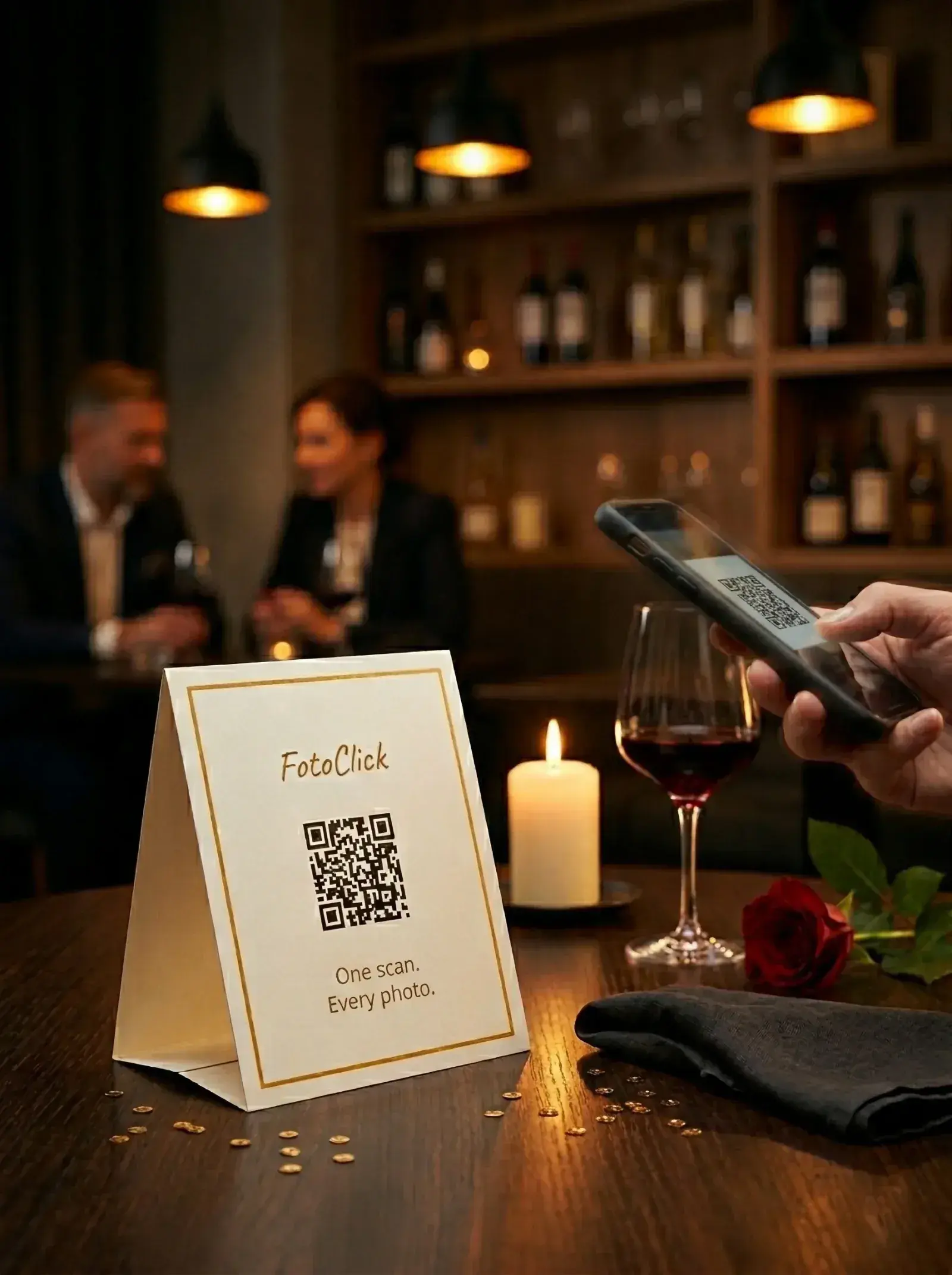
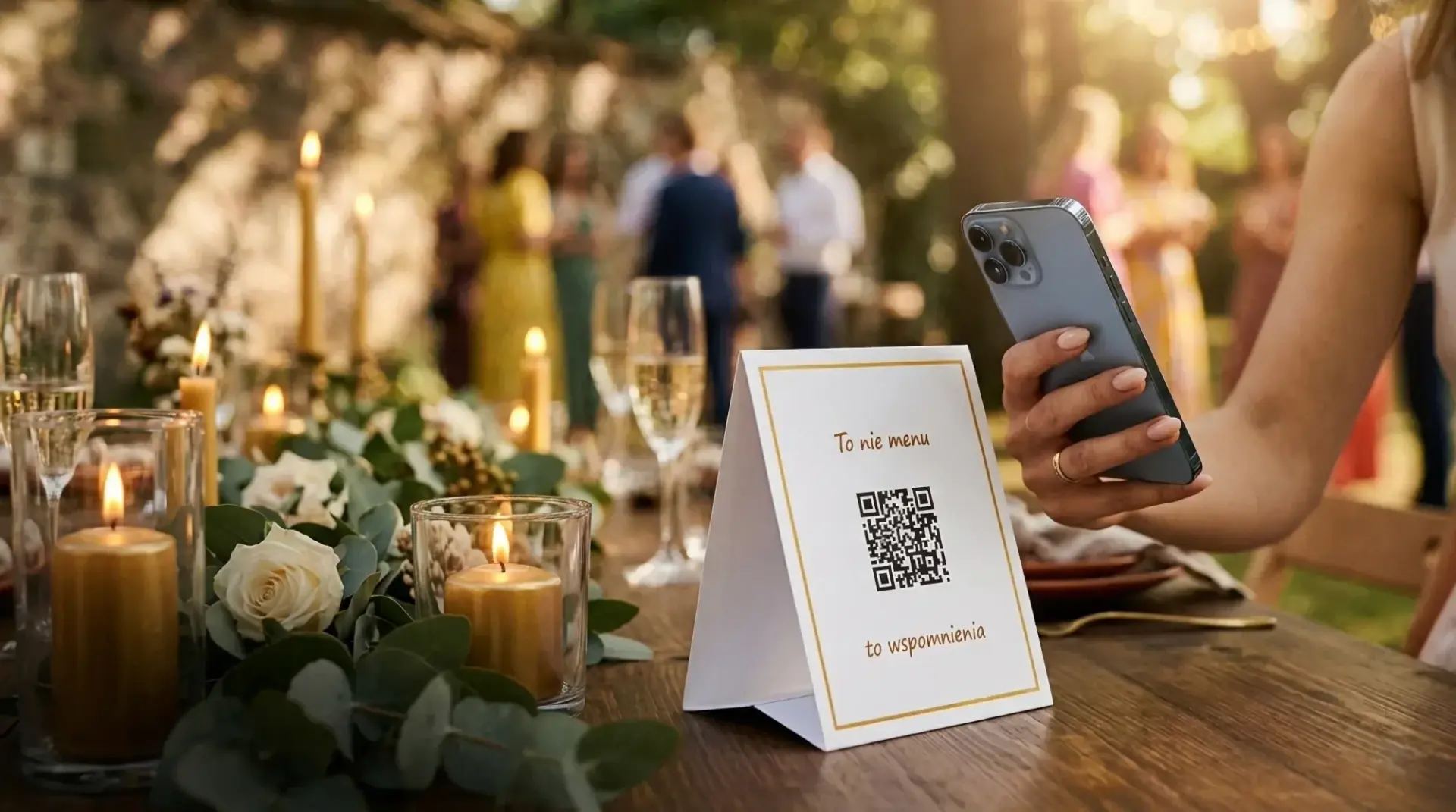
Table cards — the most natural choice. The app generates a PDF of branded cards that stand on the table like a menu. Pick your layout: 1, 4, or 9 cards per A4 sheet. Print, cut, fold, place on tables. A guest sits down, sees the QR code, scans it with their phone camera, and the page opens.
On the screen — if the venue has a TV or projector, you display the QR code as part of the wedding's branding.
Sending the link — send it to guests before the wedding, as part of the invitation or in a text ("This is where we'll be collecting photos: fotoclick.pl/e/anna-marcin").
Step 3 — Guests upload their photos
A guest scans the QR (or taps the link) and the page opens. They click "Add photo," pick a shot from their phone's gallery (or take a fresh one right there with the camera), and confirm. The photo lands in the shared gallery.
No app. No account. No instructions. Even the groom's grandmother can manage it.
Step 4 — Watch the photos roll in live
In the organizer dashboard you see the gallery grow in real time. Every new photo appears a second after a guest uploads it. You can filter, hide the odd stray shot, or simply enjoy the stream of memories arriving.
Step 5 — Download everything after the wedding
After the wedding (or during it, whenever you like) you download the whole gallery as a full-quality ZIP. The photos come in their original resolution — no Instagram compression, no watermarks.
Which features actually help you collect wedding photos
Beyond the gallery itself, FotoClick offers features that genuinely change the wedding experience:
- Live Show — the gallery live on a TV or projector in the room. Every new photo appears on the big screen a second after it's uploaded. Guests see their own shots in the slideshow, and it always makes an impression. A feature only FotoClick offers.
- Push notifications — you send an announcement ("First dance starting — grab your cameras"), and every guest gets it on their phone in a second. No install, straight to the lock screen.
- Announcements feed — every announcement stays in the event feed. Anyone who missed one can come back and read it: the timeline for the day, thank-yous, notes about the venue.
- A full-quality ZIP — after the wedding you download everything in one click, in original resolution.
- A guest PIN — only invited guests can enter the gallery and upload photos.
- Your wedding, your gallery — set your event name and cover photo, pick a light or dark theme. Plus 5 ready-made card templates with adjustable colors, fonts, and text.
A real example — Anna and Marcin, a 150-guest wedding
Anna and Marcin got married in July 2026 — a restaurant venue just outside Warsaw, 150 guests, two tables of 12 and six tables of 8.
What they did:
- Created the event in FotoClick — 30 seconds in the app
- Generated the PDF cards — 10 cards for 10 tables, each with a QR code and the note "Drop your photos here, not on Insta"
- Printed them on their home printer, cut them out, and set them on the tables before the wedding
During the wedding:
- Over half of the guests scanned the QR code
- Anna and Marcin ran the Live Show on the TV in the banquet hall — photos streamed onto the screen and guests kept pointing, "that's me, that's me!"
- During the first dance, Anna sent a push notification ("We're starting! Grab your cameras") — every guest got it on their phone and captured the moment from six different angles the photographer could never have caught at once
- Uncle Tom's toast made it into the gallery from three different guests standing in different parts of the room — three angles of a single moment
After the wedding:
- Anna downloaded the full-quality ZIP — not thousands of files, but the ones that actually mattered: the first dance from grandma's angle, Uncle Tom's toast from three vantage points, candid shots of Marcin watching Anna during dinner
- The FotoClick dashboard let her hide the duplicates and accidental blurry frames — she ended up with a curated final gallery, not a pile of files to sift through
Without FotoClick, those moments would have stayed locked in other people's phones — like they always do.
Frequently asked questions
Do guests have to install an app? No. They scan the QR code and a page opens in the browser. It works on iPhone, Android, any browser.
Do guests have to create an account? No. As soon as they scan, they can upload photos. The app remembers their device so guests can come back to the shared gallery without going through authorization again.
What if a guest has no internet in the venue? FotoClick has an auto-resend queue — photos wait in the phone's memory and upload themselves once the connection is back.
Can I control what ends up in the gallery? Yes. In the organizer dashboard you can hide individual photos (the ones you'd rather not see, say) — guests won't see them either.
What if we have 300 guests? FotoClick doesn't cap the number of guests. Photo limits may apply on the cheaper plans, but higher plans give you an unlimited version.
Are the photos full quality? Yes — you download the ZIP in the original resolution, uncompressed. That's the difference between 8 MP and the 50 KB that shared Google Photos or Instagram produce.
How long are the photos available? FotoClick gives you several months after the wedding — plenty of time to download the ZIP and keep it forever on your own storage.
What's next
Now you know how collecting photos from guests via a QR code works. Your next steps:
- Create your event in FotoClick — 30 seconds, no account required to start.
- Design your table cards — what to write on the QR card so guests actually scan it.
- Check out Live Show — the feature that makes an impression at every wedding.
Good wedding-photo planning is the difference between a handful of random shots in a WhatsApp group and real memories seen through your guests' eyes. Every couple appreciates it. After the fact.
Create an event in 30 seconds
Guests scan a QR code and upload photos. No app, no account needed.