
Frequently Asked Questions
How do I create an event?
Go to fotoclick.pl and click "Create event". Enter a name for your event — you will instantly get a QR code and a gallery link. No account is required to get started.
How do I share the event with guests?
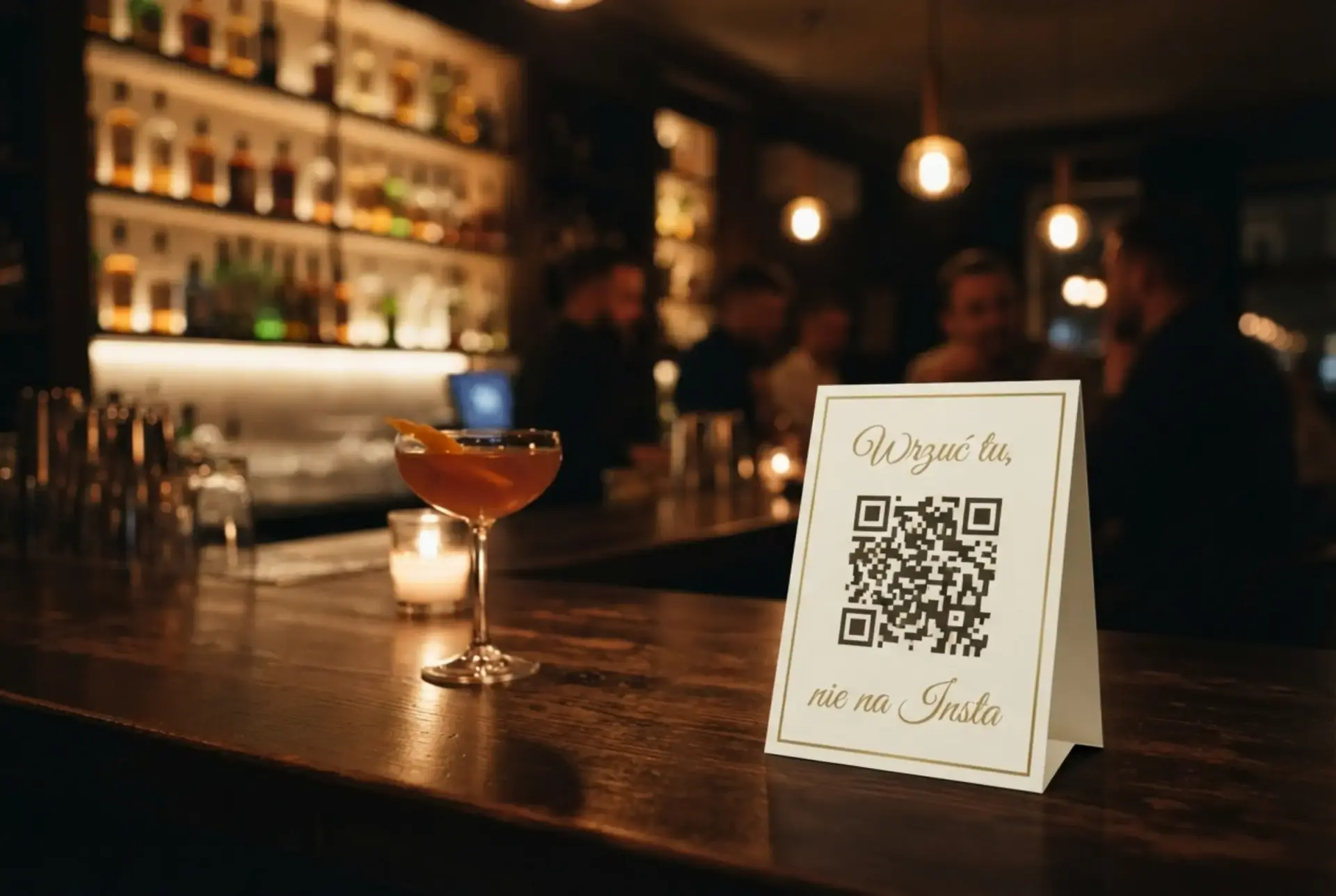
After creating an event you receive a unique link and QR code. Print the QR code, display it on a screen, or send the link directly to your guests. They scan the code and can start uploading photos right away — no app, no sign-up.
How do guests upload photos?
Guests open the link or scan the QR code from any phone, tablet, or computer. They can pick photos from their gallery or take new ones with the camera. No app installation or account creation is needed.
What plans are available?
FotoClick offers three plans — each is a one-time payment, no subscription:
- Free — up to 50 photos, 7-day validity, free of charge
- Pro — up to 300 photos, 30-day validity, guest PIN
- Full — unlimited photos, 90-day validity, ZIP download, photo hiding, theme customization, guest PIN
How do I upgrade my event plan?
In the organizer panel, click the "Upgrade" button in the header. Choose a new plan and make a one-time payment. The upgrade takes effect immediately — limits and features are updated right away.
How long are photos stored?
Storage duration depends on your plan: 7 days (Free), 30 days (Pro), or 90 days (Full). After expiry you have an additional 30 days to download your photos before they are deleted. You can also extend the event.
Can I delete photos?
Yes. As an organizer you can delete individual photos from the organizer panel. On the Full plan you can also hide photos (without deleting) and bulk-delete selected photos.
How do I download all photos?
On the Full plan you can download all photos as a ZIP file directly from the organizer panel — click "Download all". On other plans you can download photos individually.
Do guests need an account or an app?
No. Guests scan the QR code with their phone camera and the gallery opens right in the browser — no app to install, no account, no personal details. That was a deliberate choice: the fewer the steps, the more photos guests actually add (grandma and uncle manage just fine too).
Who can see the photos? Is the gallery private?
The gallery is private — visible only to people you share the QR code or link with. It is not indexed by search engines or published on the internet. On the Pro and Full plans you can additionally protect entry with a guest PIN, so only invited people get in.
Does it work on iPhone and Android?
Yes, on both — as well as tablets and computers. FotoClick is a page in the browser, not an app, so it works on any device with a camera and a browser. There is nothing to install.
What if the venue has no WiFi?
FotoClick works on mobile data (4G/5G) - WiFi is not required. When the signal drops, photos wait on the phone and upload on their own once the connection is back. If the venue offers WiFi, it works on top of that.
I lost the organizer PIN — what now?
You can reset the PIN by email — we send a reset link to the address you gave when creating the event. If you no longer have access to that address, email us at kontakt@fotoclick.pl and we'll help you recover access after verification.
Didn't find an answer?
Found a bug, have an idea for a new feature, or a collaboration proposal? We would love to hear from you — email us at kontakt@fotoclick.pl.