Weddings
How to Make a QR Code for Your Wedding — Design, Placement, and What to Write
10 min read
Published 15 July 2026Updated 31 October 2026
TL;DR: To make a wedding QR code that guests actually scan, you need three things: a card with a clear top-text ("Drop yours here, not on Insta" — not just "Scan"), a premium design (cream background, gold border, clean QR), and one card per table + welcome drink + restroom. FotoClick generates ready-to-print PDF place cards in 30 seconds.
How do you make a QR code for your wedding? In FotoClick you create your event and the app generates the QR code plus ready-to-print PDF place cards for A4 — pick 1, 4, or 9 cards per sheet. Print, cut, put on the tables. The whole setup takes 30 seconds. Below: copy templates, design principles, and where to place the cards so your scan rate hits 40-60% instead of 5-10%.
Why the QR code alone isn't enough
A QR code at a wedding is nothing unusual anymore — by 2026 you've seen them at most weddings, on the little cards on tables, on a screen by the entrance, sometimes even on the invitations. But there are codes guests scan (and upload photos to) — and there are codes they ignore. The difference isn't in the technology. It's in the design of the place card, the copy, and where you put it.
Picture a typical moment: a guest sits down at the table, spots a little card with a QR code and the word "Scan." What are they thinking?
The options:
- "What's this QR for? The menu?"
- "Scan it with my banking app? Is this some kind of discount thing?"
- "Maybe later" — and they never scan
- "Why would I even scan this?"
A place card that only says "Scan" gets a 5–10% conversion rate. A place card that tells the guest what they'll get after scanning gets 40–60%.
That's a 5–10x difference. With 150 guests, it's the difference between a handful of shots from one table and spontaneous photos from every table, all evening long.
Design — what works, what doesn't
We looked at dozens of QR place cards from real couples and from wedding blogs on both sides of the Atlantic. Three elements work every single time:
1. Hierarchy — the what first, the how second
✅ Works:
"Drop today's photos here"          ← big type, top
[QR code — large, crisp]
"Scan with your phone"              ← small type, subtitle

❌ Doesn't work:
"Scan the code"                     ← flat and forgettable
[QR code]
2. Brand voice — humor or emotion
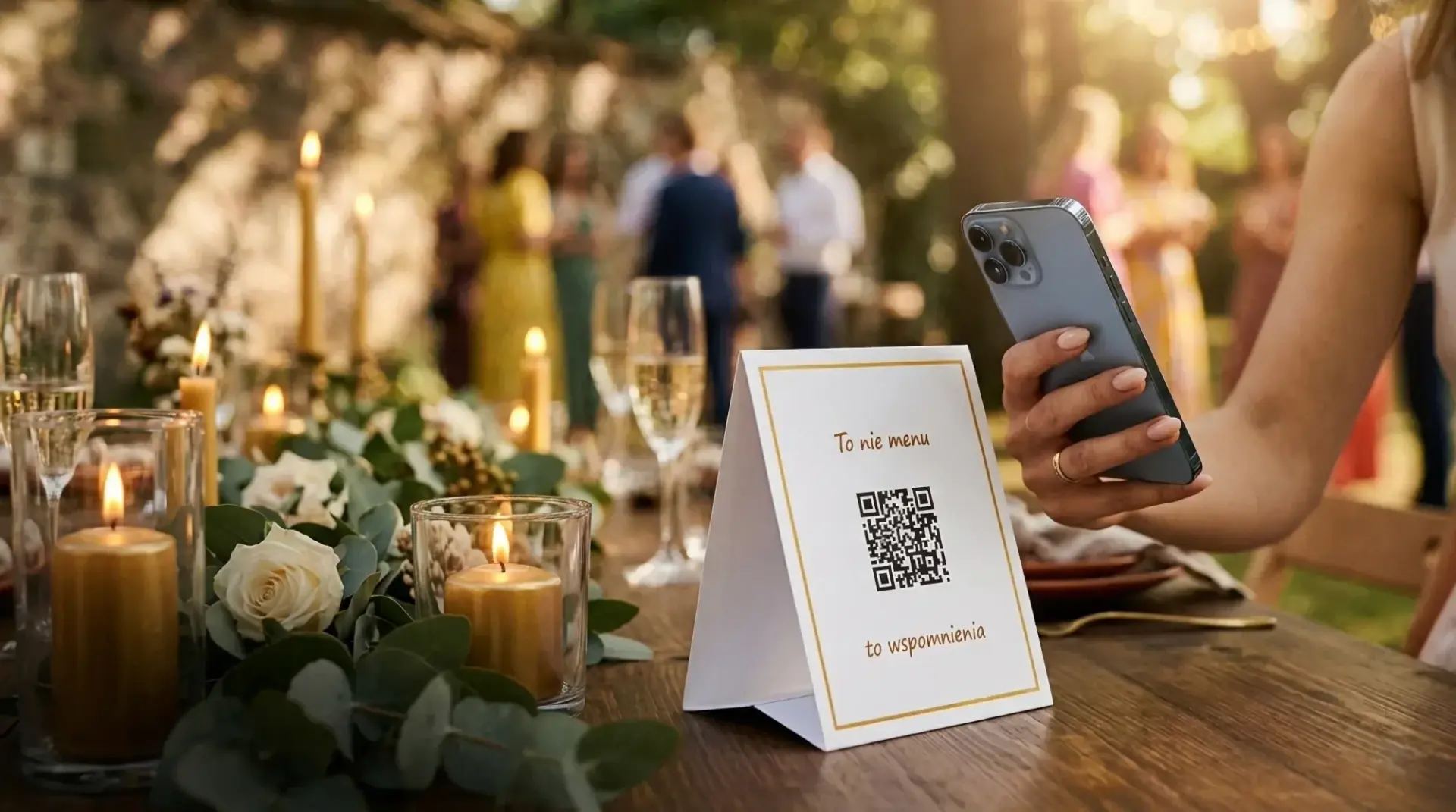
A card that says "Scan" looks like a restaurant menu. A card that says "It's not a menu — it's memories" looks like it means something.
Other proven lines:
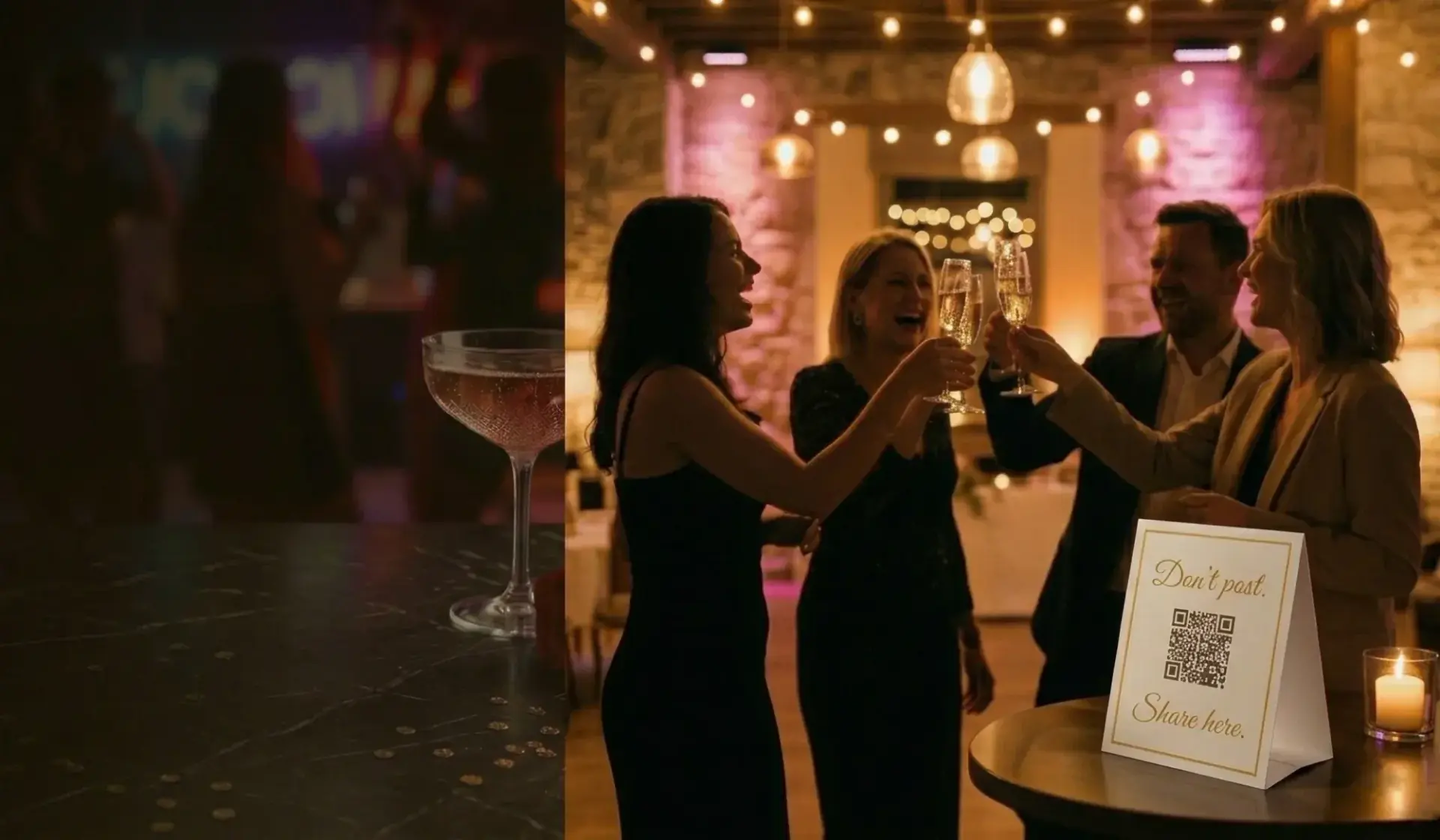
- "Post it here, not on Insta" (anti social-media)
- "Your grandma can take a selfie. So can you"
- "One whole day. One scan"
- "A click beats a like"
- "No filters"
They can be funny (they should match your personality) or heartfelt. The main thing: don't be boring.
3. Visual — gold border + clean QR
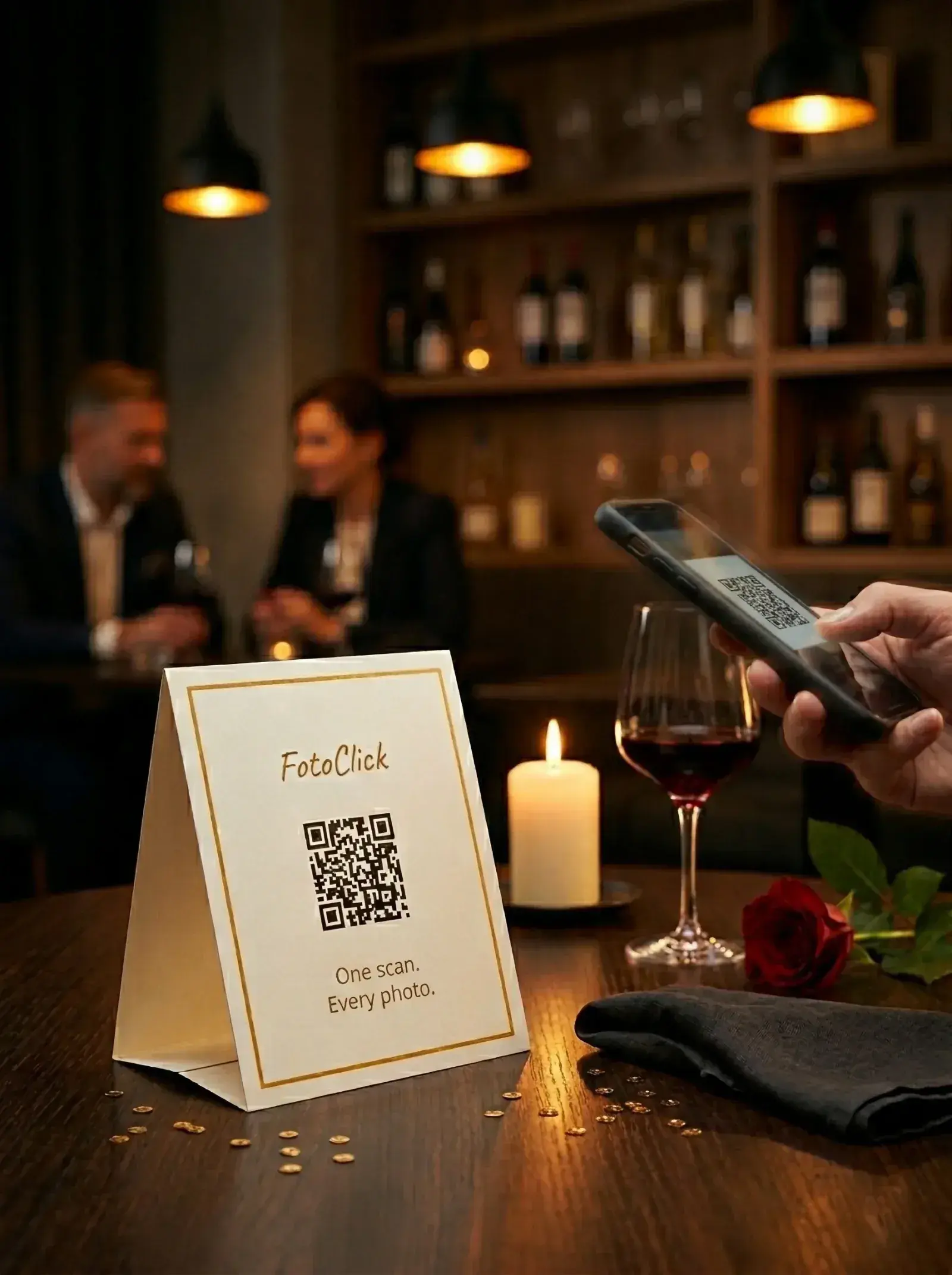
A considered, premium card gets scanned more often than an amateur one. That's trust baked right into the design.
By default, FotoClick cards look premium with zero effort from you: cream / off-white background, thin gold border, clean black QR on a light background, minimal decoration. They stand on the table like a menu — they don't hide the flowers or get lost between the candles.
You can also build your own style — the designer ships with 5 ready templates (Default gold, Simple, Dark, Burgundy, Sage) and lets you change colors, border, and fonts to match your wedding palette. But if you don't want to tinker, the default style works out of the box: pick a template, type your front and back text, download the PDF. Print at home or at a copy shop, cut them out, fold. No design skills required.
Copy — what to write
A place card has three text fields around the QR code:
Top text (hook) — grabs attention. Short, emotional. Guests see it the moment they sit down. Bottom text (mood or CTA) — closes the message beneath the QR. Back text (optional) — the line on the back of the card, visible when a guest picks it up.
Proven lines:
| Top | Bottom | When to use it |
|---|---|---|
| "It's not a menu" | "it's memories" | The classic, neutral, always works |
| "Post it here, not on Insta" | "the algorithm will never see it" | Young couple, anti social-media |
| "Your whole day" | "in one scan" | Premium, poetic |
| "Your grandma can selfie" | "so you've got this" | Playful, light |
| "A click beats a like" | "works better than AI" | Tech-savvy couple |
| "Your whole day" | "straight from guests' phones" | Explanatory |
Pick one line — and use the same one consistently on every card. Don't mix ten different ones — it looks chaotic.
What to avoid
❌ "Scan the code" — flat, gives nobody a reason to bother ❌ "Wedding website" — vague, the guest has no idea what to expect ❌ "Guests are kindly requested to..." — formal, drains all the emotion ❌ Long sentences — nobody reads fine print on a place card ❌ Two languages mixed together — pick one language ❌ Hashtags (#AnnaAndMarkWedding) — they require Instagram, and the guest has no way in
Where to put them — the venue, step by step
A place card in the wrong spot doesn't get scanned. All it takes is a wine glass, a candle, or a bouquet blocking it, and you lose 30% of that table.
The spots that work
Tables — the standard
- 1 card per table of 8–12 people
- Set it in the center of the table, taller than a plate (on a stand ~10–15cm high)
- It has to be visible from every seat — don't tuck it behind the flowers
- Check it yourself before guests arrive — sit in every chair and make sure you can see the QR
The entrance — an extra touchpoint
- A standing A4 board or larger with the QR (you can generate a bigger version in the app)
- By the welcome drinks — guests linger there for 5–10 minutes, plenty of time to pull out a phone and scan
Restrooms — surprisingly effective
- A small card in the restroom (on the mirror or by the sink)
- The guest has 2–3 free minutes, takes out their phone, and scans
- Works better than you'd think — 15–20% of guests scan from here
The bar — a premium touchpoint
- 1 card at the bar (where the guest is waiting for a drink)
- Ideal for milestone birthdays and smaller parties built around a strong bar
What to avoid
❌ Inside the menu / by the napkins — the guest picks it up, puts it down, forgets ❌ Under the plate — invisible, obviously ❌ Only by the DJ — too far from where the guest is sitting ❌ On the wall — the guest won't walk over to scan ❌ A single board at the entrance and nowhere else — the guest forgets within 10 minutes
How many cards — is one per table enough?
In practice:
- 1 card per table of 8–12 people — the minimum
- 1 extra by the welcome drinks — catches 15–20% of guests before they even sit down
- 1 in the restroom — catches the stragglers (15–20% scan here)
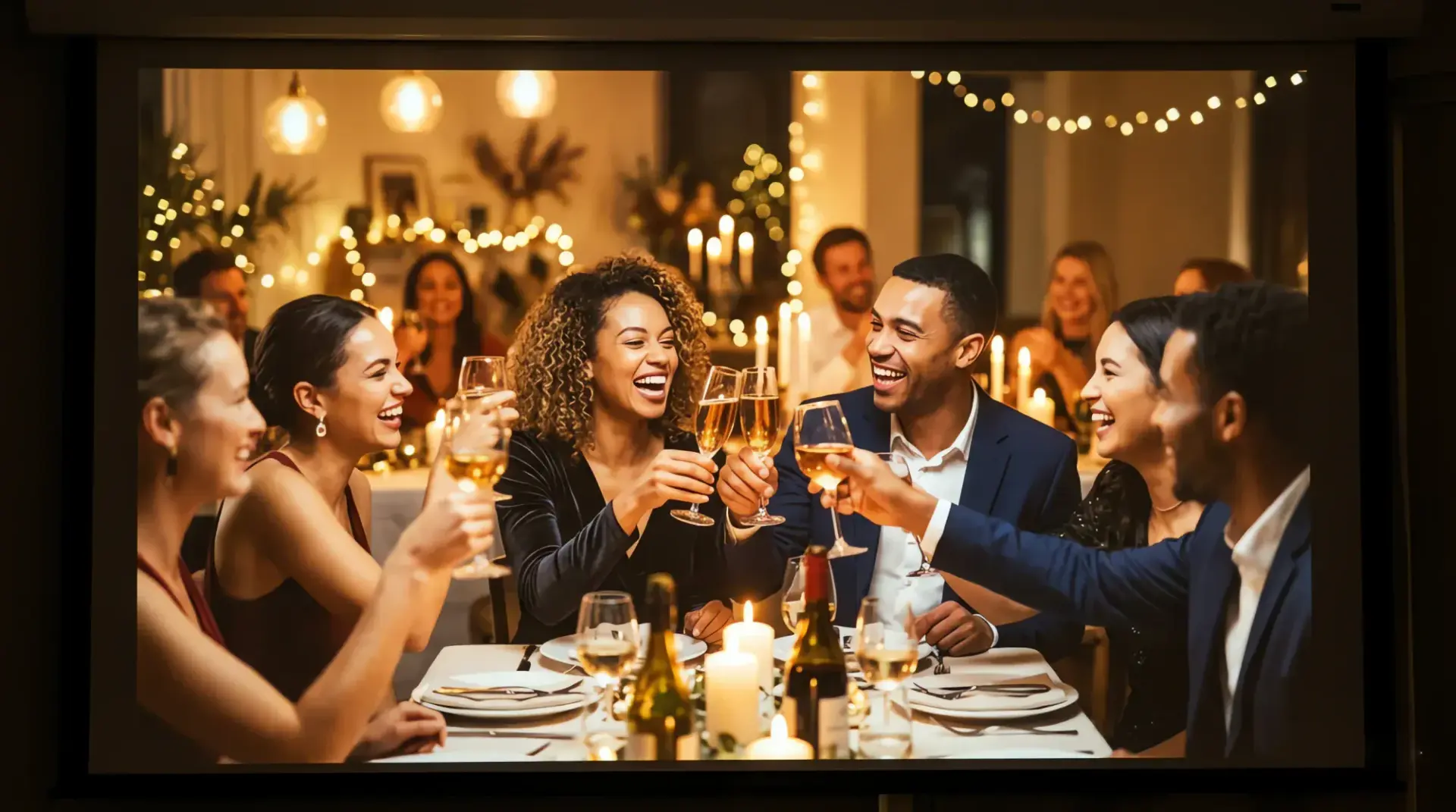
- A Live Show QR on the screen — if you have a TV or projector, add the QR code as part of the branding
All in: a 100-guest wedding = ~12–15 cards plus the screen. Printing: 2–3 sheets of A4 — barely more than printing a couple of regular documents.
A practical wedding checklist
A week before the wedding:
- Create your event in FotoClick — 30 seconds, no account needed
- Design the place card — choose your copy (top + bottom)
- Generate the PDF of place cards in the built-in designer
- Print on A4 — 1, 4, or 9 cards per sheet (pick your layout in the designer)
- Cut them out and fold
- Plan the layout: 1 per table + 1 by the welcome drinks + 1 in the restroom
On the wedding day:
- Set the cards on the tables before guests arrive
- Check them yourself — sit in every chair and confirm you can see the QR
- Turn on the Live Show on the TV/projector (if you have one)
- Send guests a push: "Welcome! Share your photos with the QR code — everything lands in one gallery"
After the wedding:
- Download the full-quality ZIP
- Share the link with guests (they can revisit the gallery and download their own photos)
Frequently asked questions
How do I make a wedding QR code for free?
In FotoClick you create an event and generate a QR code at no cost — the Free plan is enough for guests to scan and add photos to a shared gallery. You only pay once per event when you want more: Live Show on the TV, push notifications, and a full-quality ZIP download of every photo (current plans on the pricing page).
Do guests have to install an app to scan the code?
No. A guest scans the QR code with their phone's camera, a page opens in the browser, and they upload photos right away. Nothing to install, no account to create, no sign-in. That's one reason scan rates run so high — the fewer the steps, the more guests add photos.
How much does it cost to make a wedding QR code?
The QR code itself and a basic gallery are free. For the full wedding package you pay once per event — no subscription and no monthly fees (current rates on the pricing page). Printing the place cards costs a couple of A4 sheets — pennies at any copy shop.
Where's the best place to put a QR code at the venue?
The minimum is one card per table, set in the center and taller than the plates. Add a card by the welcome drinks (it catches guests before they sit down) and one in the restroom (15–20% of guests scan there). If you have a TV or projector, show the QR code on screen as part of your Live Show.
How do I remind guests to keep uploading all evening?
Send a push notification to everyone who scanned the code once — say, right before the first dance or the cake. You can also post short updates in the gallery. For more ideas, see the guide on how to collect photos from your wedding guests.
When should we download the photos after the wedding?
The photos stay in the gallery, so there's no rush — you can revisit them with your guests long after the day. When you want everything in one place, download all the photos in a single click as a ZIP in full, original quality.
What's next
You've got your place cards — but want your guests working even harder?
- Live Show — photos on the venue TV — the feature that makes an impression and motivates guests to upload more
- How to collect photos from your wedding guests — the full playbook for getting more shots on the day
Good QR place cards are what separate a wedding where you come home with nothing but the photographer's set from one where you also have spontaneous shots from every table. Invest 30 minutes in the design and the copy — those shots stay with you for life.
Create an event in 30 seconds
Guests scan a QR code and upload photos. No app, no account needed.