Tips
Event photo app — categories and how to choose the right one
8 min read
Published 15 July 2026Updated 31 October 2026
TL;DR: Event photo apps fall into four categories: wedding-only, universal event, general clouds (Google Photos, Dropbox) and custom builds. Each has a different use case. If you plan more than one event in your life, go universal — one account will cover a wedding, an 18th birthday and a company offsite. Check out FotoClick.
How do you pick an event photo app? First decide what type of event (and how many events) you have — wedding-only apps work once, universal apps cover every occasion from a single account, and clouds like Google Photos require sign-in and have no QR placards. Below we break down the four categories, list the exact questions to ask yourself before choosing, and explain what FotoClick actually does.
Four categories of apps — how they differ
The market is not uniform. Lumping everything together as "an event photo app" leads to bad decisions — because an app built for weddings will not work at a company offsite, and Google Photos will not replace a placard on the table.
Category 1: Wedding-only. Apps with a name that screams wedding, marketing built entirely around the couple, wedding guests, cake and first dance. The interface, placards and copy assume the event is a wedding. Great if you are getting married once. Completely useless if you want to use the same app a year later for your sister's 30th.
Category 2: Universal event. The same app handles weddings, birthdays, christenings, first communions, group trips and company conferences. The interface is neutral — it says "event," not "wedding." One account, many events, a shared gallery per event. This is the category FotoClick sits in.
Category 3: General clouds. Google Photos, Dropbox, iCloud, WeTransfer. These are not built for events — they are file storage with a share option. You can create a folder called "Anna and Tom's wedding" and drop a link, but every guest has to sign in, there is no QR placard for the table, no slideshow, no push to guests.
Category 4: Custom builds. A developer friend builds you a site for uploading photos. It works once, costs more than any subscription and after the event no one maintains it. Realistically — outside very large corporate events, it is a waste of money.
Which type fits which event
One-off wedding (you are the couple, no other events planned this year): wedding-only or universal — either will work. Check whether it has a placard designer and a slideshow.
Wedding + anniversary + kids' birthdays over the next few years: universal. One account, you pay per event, all history in one place.
18th, 30th, milestone birthday: universal or a general cloud. Wedding-only apps carry copy like "the happy couple," which sounds absurd at a birthday.
Company offsite, conference, gala: universal. Corporate events need neutral branding (no roses and hearts), placards on tables and moderation before publishing. General clouds are out — none of your guests will sign into Google just to upload a single photo.
Group trip, stag, hen do: universal or a general cloud. The group knows each other, but photos scatter across everyone's phones — an app with a QR on a shared poster works better than a WhatsApp group.
More on choosing specifically for a corporate event in Corporate event photos — how to collect them.
Eight questions to ask yourself before choosing
- Does a guest have to create an account? If yes — 30-50% will drop off at that step. Look for a solution where the guest opens a QR link and sees the gallery immediately.
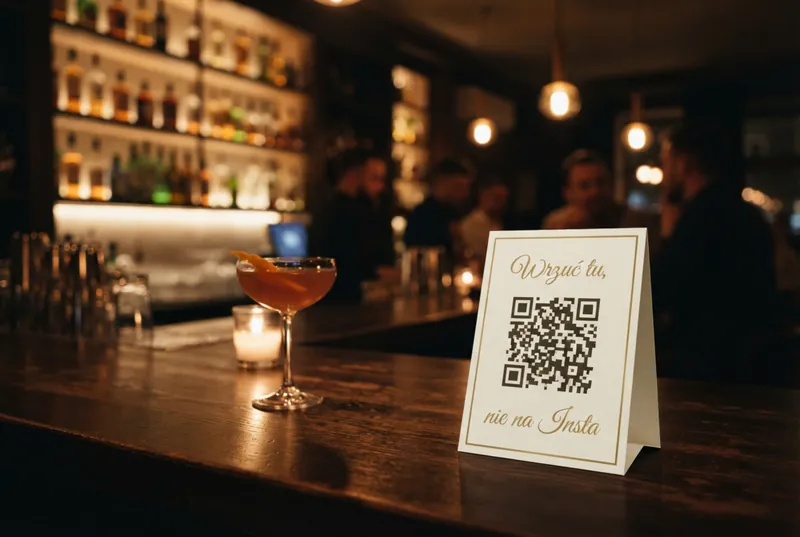
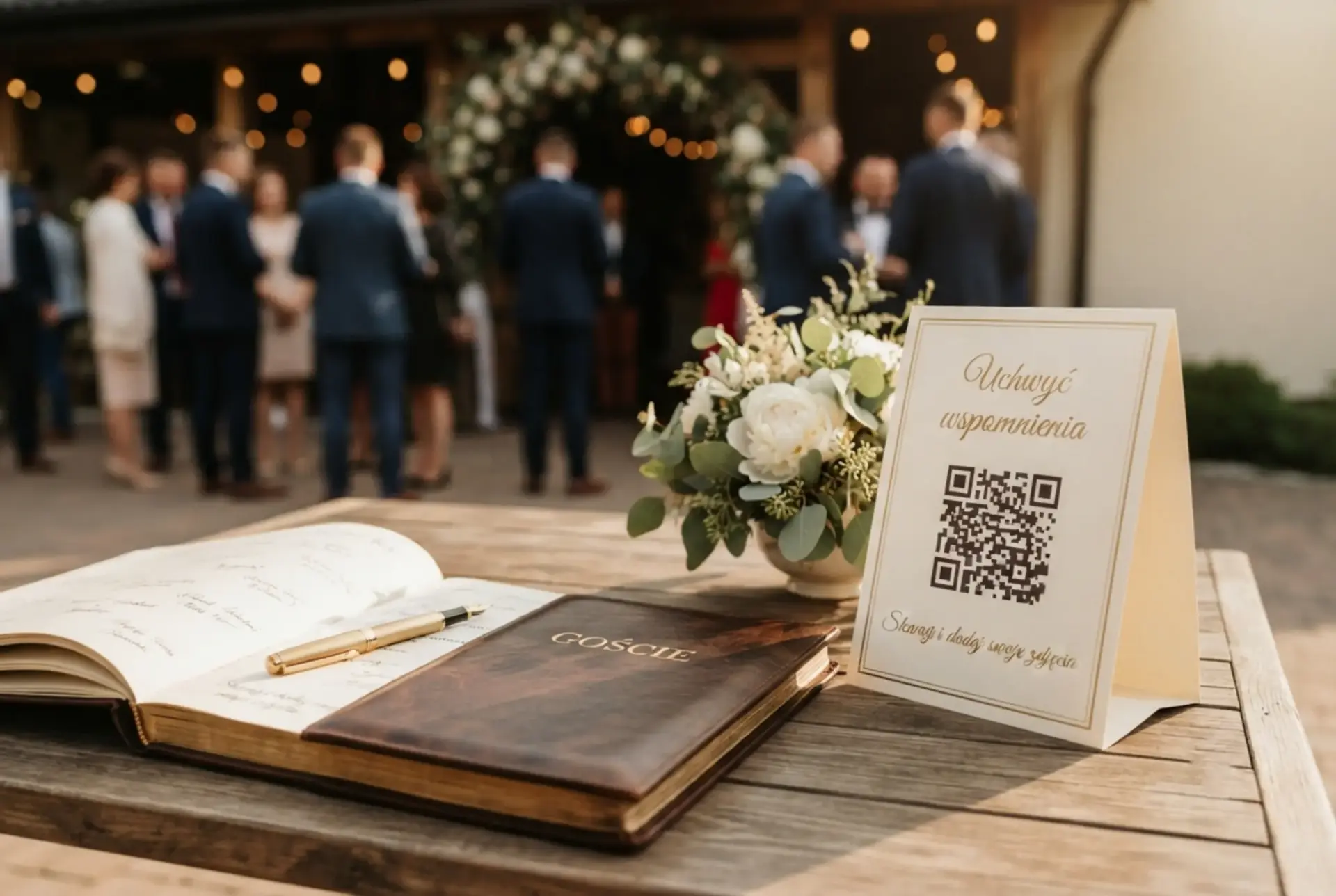
- Is there a placard designer? Without a physical placard on the table, 70% of guests will not scan the code. The QR has to be visible the moment the guest has their phone in hand.
- Does it run a slideshow on a TV or projector? A Live Show on screen adds a second layer of fun — guests see their own photos and upload more.
- Can I send a notification to guests? Push to every attendee without them installing an app is a killer feature — useful when you want to invite everyone to the cake cutting or ask for shots of the first dance.
- Can I moderate photos? Being able to hide a specific photo from the organizer panel is a lifesaver when someone uploads something off-key.
- Can I download everything at once? A ZIP with the whole gallery in full quality. Without it, you will spend a week downloading files one by one.
- Will one account cover future events? If you expect more than one event in your life, this answer needs to be "yes."
- Does it work when there is no signal at the venue? Wedding barns in the woods, mountain hotels, ceremonies in remote countryside — an auto-resend queue with automatic upload once the connection returns is a must-have, not a luxury.
What FotoClick actually does
We built FotoClick as a universal event app — one account will cover your wedding in June, your daughter's 18th in September and your company offsite in November.
PDF placard designer — five graphic templates (Default gold, Simple, Dark, Burgundy, Sage), layout of 1, 4 or 9 placards per A4 sheet. Edit the font, color and text. Print at home or at a copy shop.
Live Show on screen — photos play on a TV or projector, pick the pace (5, 6, 8 or 10 seconds), the order (newest first, chronological or random) and a welcome slide (up to 80 characters). Feature only in FotoClick.
Push to guests — the organizer sends a broadcast and every attendee gets a notification without installing an app. An "Announcements" feed keeps the broadcast history.
Guest PIN — set a PIN and only people with the code enter the gallery. Privacy for corporate events and intimate gatherings.
Moderation + ZIP + browser-based gallery — hide any specific photo, download everything at once in full quality, guests open the gallery through a browser (no account, no install), and if they lose signal — the photos send themselves once the connection is back.
Your event, your gallery — name, cover photo, light or dark theme. A neutral look works the same at a wedding and at a conference.
You pay once per event, no subscription: a Free plan to start, and paid plans as a one-off charge per event (current rates on the pricing page). It works everywhere — at a wedding outside Warsaw, an offsite in Kraków or a 30th on the coast, the QR link opens in a browser exactly the same way.
Use case — Company X and a team weekend
Company X organized a team weekend in the mountains — 60 people, two days, campfire, river rafting, dinner in a lodge. Marta from HR was picking the app and first tried three wedding-only tools. All of them had "the happy couple" in the copy and placard templates full of hearts. Rejected.
Google Photos did not work either — half the team has private accounts without Gmail, the other half will not sign in from their work profile. Marta signed up for FotoClick, created an event called "Team Weekend 2026," generated a full set of placards using the Simple template with black text (no hearts), and placed them around the lodge and by the campfire.
By Sunday evening the gallery had over 400 photos. All from attendees, without a single sign-in, without anyone having to explain "open Google Photos." Marta turned on Live Show on the lodge TV during the final dinner — half the team spent an hour watching their own faces from the whole weekend.
Three months later Marta used the same account for the company Christmas party. New event, new placards, one account.
FAQ
Are universal apps worse at weddings than wedding-only ones? No. Universal apps have exactly the same features (placard designer, gallery, slideshow) but without the event-type lock-in. A neutral UI works just as well at a wedding as at an 18th birthday.
Is Google Photos enough instead of a dedicated app? For a simple collection from five friends — yes. For 100+ wedding guests or a company event — no. No QR placard, mandatory sign-in and no Live Show mean you end up with 20% of the photos instead of 90%.
Is a custom build worth it for a company event? Almost never. Even large companies use ready SaaS solutions — a developer costs 10-50× more than a subscription, and after the event no one is there to keep the system running.
How many placards should I print for 100 guests? It depends on the room layout. A reasonable minimum is one placard per 6-8 people, plus extras at the bar, entrance and restrooms. The PDF designer lets you print several layouts on a single A4 page.
Do guests need internet at the venue? To take a photo — no. Uploads sit in an auto-resend queue and send automatically once the phone catches signal (on the way home, at the hotel, the next day).
Can one FotoClick account handle several events at once? Yes. Each event has its own gallery, placards and PIN. You can run your sister's wedding and your industry conference at the same time — nothing overlaps.
What's next
If you are after specifics for one event type — we have dedicated playbooks for corporate event photos and a shared event photo gallery. If you want to collect photos without asking guests to install an app — read Guest photos without an app download.
Create a free account at FotoClick, set up your first event and generate placards in 10 minutes. One account, all your events.
Create an event in 30 seconds
Guests scan a QR code and upload photos. No app, no account needed.