Weddings
Wedding photo app pricing — what to actually look at
9 min read
Published 15 July 2026Updated 31 October 2026
TL;DR: Compare wedding photo app pricing along four dimensions: payment model (one-off vs subscription), limits (photos, guests, access window), what's included (placards, Live Show, ZIP), and whether the account covers only the wedding or other events too. Current FotoClick plans are on the pricing page.
What should you look at when comparing wedding photo app pricing? Check the payment model, the limits, what's included in the base price, and whether the account is single-event or reusable. Below we break down each of these, show the common traps, and explain why "cheap" doesn't always mean "good" — and "expensive" doesn't automatically mean "premium".
Why comparing on price alone leads you astray
You open the first app: one number. The second: a higher one. The third: higher still. The fourth advertises a free plan, but with an asterisk. It feels like shopping for phones — they look similar on the surface, but each one hides a different spec sheet in the fine print.
The problem is that wedding app pricing isn't just a number. It's a bundle: how many photos, how many guests, how long the gallery stays live, what you can export, whether placards are included, whether there's a slideshow on the venue screen, whether the account is locked to that one event. Two apps at the same price can differ by 80% in real value — and you only find out when it's too late.
On top of that: your wedding isn't a one-off expense in your life. Next year your niece's first communion. In two years your partner's thirtieth. In three, a christening. So the question becomes: do you pay once for the wedding and the account disappears, or does it stick around for the next occasions?
Let's break this down into four questions that actually matter.
Question 1 — one-off, subscription, or per-photo?
There are essentially three payment models for event photo apps, and each has its own logic:
One-off fee per event. You pay once, you get access to that specific wedding for a defined window. Simple, predictable, ideal for people who don't plan to use the app more than a few times.
Monthly or yearly subscription. You pay every month until you cancel. Reasonable if you organise events professionally. For a wedding — a trap. You'll end up paying for months you've forgotten you're still being billed for.
Per-photo or per-guest. Less common, but they exist. You pay per tier — say, a set number of photos included, then top-up above that. The problem: nobody knows how many photos their guests will take. Could be 300, could be 2000. Budget becomes unpredictable.
Our recommendation: for a wedding, the safest model is a one-off payment with a clearly stated access window. You know exactly what you'll pay and what you're getting. For comparison: FotoClick works on a one-off basis (a Free plan to start, paid plans per event — see the pricing page), with no subscription that renews itself.
Question 2 — what are the limits, and what happens if you cross them
The devil's in the details. Check the pricing page for:
- Photo limit per event — capped at a few hundred? A couple of thousand? No cap? A wedding with 100 guests comfortably produces 1500-3000 photos.
- Guest limit — some apps count devices, others count QR scans, others don't count at all.
- Gallery access window — a week after the wedding? A month? Six months? A year? Many apps simply switch the gallery off and that's it.
- Photo quality — do guests upload at full resolution, or does the app compress? Your photographer's shots will always be sharper, but you want the guest photos in original quality too.
- What happens once you hit the cap — extra fee? Uploads blocked? Old photos auto-deleted?
A concrete trap: an app advertises itself as "unlimited", and buried in the terms is a clause about compressing photos above a certain count. Formally there's no limit, in practice you end up with thumbnails.
Question 3 — what's included and what costs extra
This is where it gets interesting, because apps differ dramatically in what they consider the "base package" versus a "premium add-on". Things worth checking before you buy:
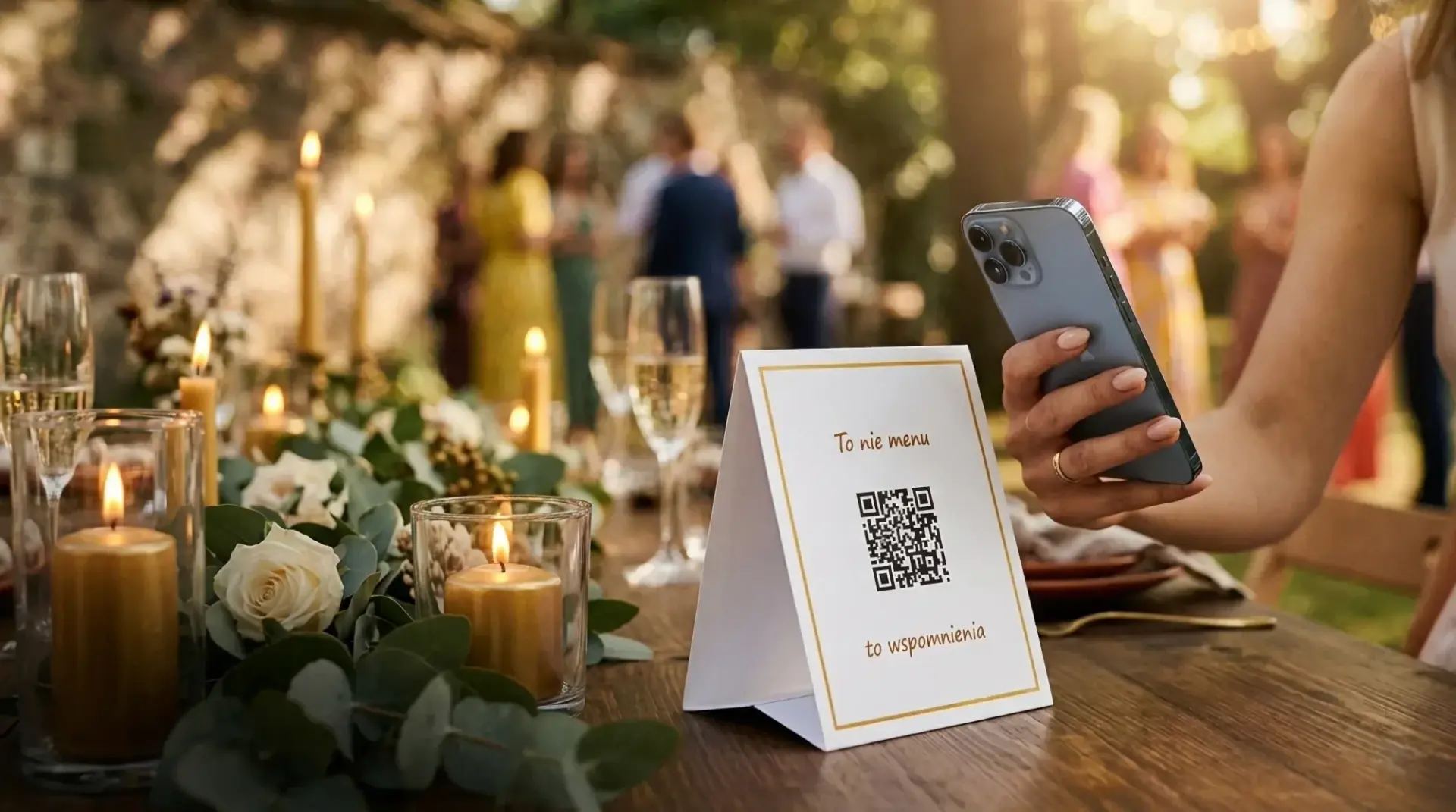
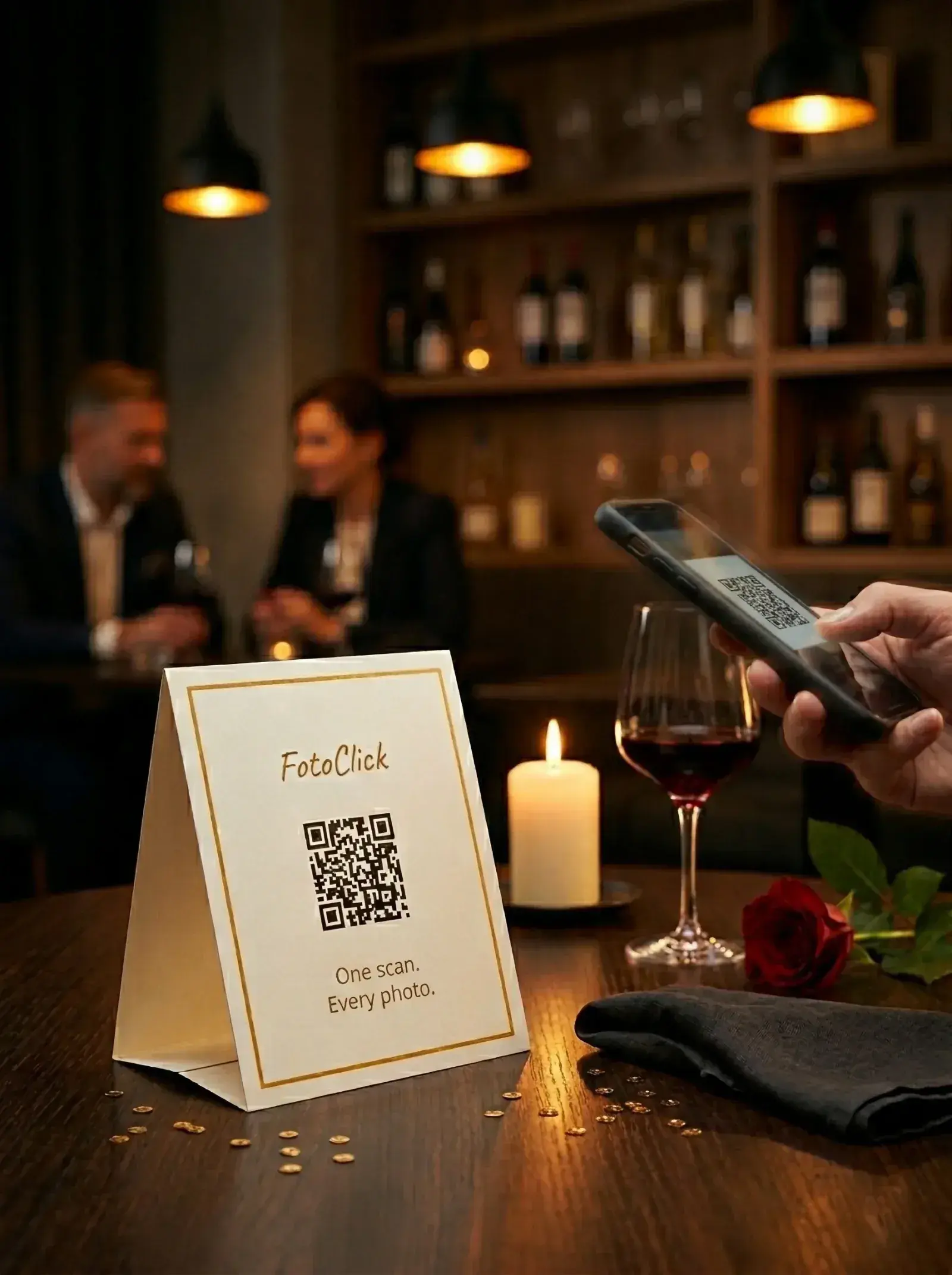
Printable QR-code placards. Do you get a ready-to-print PDF? How many templates? Can you edit the text, font, colour? Or do you have to design them yourself from scratch in Canva?
Live Show — slideshow at the venue. Guest photos appear on the projector or TV during the wedding. It's one of the things guests love most — seeing their own shot on the big screen seconds after taking it. Not every app has this; in some it's a paid add-on.
Full-quality ZIP download. Sounds obvious, but it isn't always there. Check whether you get one file with everything, or whether you have to click each photo individually.
Guest PIN. You set a code, only people from the invite list can enter the gallery. Important if you're worried someone might share the link publicly.
Push notifications and announcements. You send guests notifications straight to their phone — "first dance in 30 minutes", "everyone, please upload your ceremony photos". Without them installing any app.
Photo moderation. You can hide specific photos you don't want in the gallery (the uncle who captured a half-dressed candid). Should be standard, but it isn't always.
How to put the whole thing together in practice — we cover it in How to collect photos from wedding guests and Wedding slideshow — Live Show.
Question 4 — is the account tied to the wedding, or does it work for everything
This is the question almost nobody asks — and it's crucial.
Most event photo apps are wedding-only specialists. Names like "Wedding Gallery", "Wedding Moments" — once the wedding is over, the account has no further use. You pay once, you use it once, done.
We did it the other way round. One FotoClick account handles the wedding, your nephew's birthday, your niece's christening, the company off-site, and your brother's stag weekend. You don't set up a new account for every occasion. You don't pay for a "wedding edition", a "birthday edition" and a "corporate edition" separately.
In practice this means your cost per event drops with every next one. You paid once — but you use it across the year. If anyone in your circle is organising something bigger in the next two years, that same account can host all of it.
Where the party happens doesn't matter either — the app works the same at a wedding outside the city, a venue downtown, or a reception by the coast. Everything runs through a QR code and the browser, so it doesn't depend on the location or on what devices your guests happen to have.
Story — Kate and Mark compare four apps
Kate did what 80% of couples do: opened Google, typed "wedding photo app pricing", opened four tabs and tried to make sense of it.
App A: cheapest of the four. Looks great. In the terms: gallery access for 14 days after the wedding, then it disappears.
App B: nearly double the price. Six months of access. But no venue slideshow, and she'd have to design the placards herself in Canva.
App C: monthly subscription. Kate does the maths: planning starts now (April), wedding in September, she wants photos accessible for another six months after — that's 12 months of billing. Out.
App D — FotoClick. On the pricing page she finds a plan that covers her wedding. She sees there's Live Show, PDF placards with five templates, PIN, ZIP, push notifications. She also spots that next year, on the same account, she can run her sister's daughter's christening.
Mark asks: "So why is app A cheaper?" Kate says: "Because it disappears after two weeks." Mark: "OK, but there was also something about compression." Kate: "Exactly."
They go with D. A year later they do run the christening on the same account — and only then does the decision really feel right.
FAQ
How much should I pay for a wedding photo app? Enough that the coverage matches the scale of the wedding — number of guests, expected gallery lifetime, and the features you actually need. Don't compare on the number alone, compare on the "what I get / what I pay" ratio. Current FotoClick plans are on the pricing page.
Is it worth paying more for Live Show? If you have a projector or TV at the venue — absolutely. It's one of the "wow moments" guests mention most often after a wedding. Photos appear on the screen a dozen seconds after being taken.
What if I go over the photo limit? Depends on the app. Some block uploads, some compress, some charge extra. Always check the terms before you buy.
Do free plans make sense? Usually as a demo — a way to see how the app looks and feels. For an actual wedding they rarely stretch far enough, because the caps are low (30-50 photos).
Can I refund the purchase if the app doesn't suit me? Check the terms before buying. Digital products often can't be refunded once activated, but some platforms offer a trial window.
Do guests have to install an app to upload photos? In a well-designed solution — no. A guest scans the QR code, the gallery opens in their phone browser, and they add photos. With FotoClick there's nothing for guests to install or sign up for — they scan and upload. Check this before you buy, because apps that require a download put off some of your guests.
Do I need to pay extra to print the placards? The placards themselves are generated by the app as a PDF. Printing is a separate cost — at home on your printer, at a photo shop, or at a print shop. A small amount for a full set.
What next
Before you decide, also have a look at:
- How to collect wedding guest photos — full guide from scratch
- How to choose an event photo app — comparison criteria beyond price alone
- Wedding QR code — how to make one — the mechanic behind every one of these apps
Current plans and what's included in each are on fotoclick.pl. No hidden costs, no self-renewing subscription — you set up an account in a minute and see straight away what you're getting.
Create an event in 30 seconds
Guests scan a QR code and upload photos. No app, no account needed.