Weddings
Live Wedding Slideshow — Guest Photos on the Big Screen in Real Time
11 min read
Published 15 July 2026Updated 31 October 2026
TL;DR: A live wedding slideshow displays guest photos on the TV or projector in the reception hall, a second after they're uploaded from a phone. It's the killer feature of 2026 weddings — only available in FotoClick. Setup takes 5 minutes: laptop + HDMI cable to your TV. Result: 2-3× more guest photos than a wedding without Live Show.
How do you set up a live wedding slideshow with guest photos in real time? In FotoClick, create your event, enable Live Show in the dashboard, open the dedicated fullscreen page on a laptop, and connect the laptop to your venue's TV or projector via HDMI. Every new guest photo appears on screen 1-2 seconds after they upload it. Below: step-by-step setup + a case study from a 200-guest wedding.
Want to see a finished gallery first? We have a live example event you can explore — no account needed, just open it and click around.
Why Live Show works
A wedding in 2026. Guests take their seats, dinner is served, the groom raises a toast, the first dance begins. A pretty standard run of show. But there's a TV on the wall of the venue. And on it, guest photos are appearing in real time. The groom's grandmother picks up her phone, points it at the couple during the first dance, taps the shutter. A second later that photo is up on the screen. Everyone in the room sees it. Grandma laughs, gestures "I took that one!", and the whole room gives her a round of applause.
That's Live Show — the feature that changes the mood of a wedding. In Poland, only one app has it: FotoClick. The rest of the field has a "gallery" — you can see it on your laptop, but your guests can't. Live Show throws that gallery up onto a big screen in the room, and the effect is completely different. Below: the three mechanisms that make it work.
1. It motivates guests to share
When a guest sees their photo land on a big screen a second after they upload it, they have a reason to keep going — it's a real feedback loop. "I'll take another one, because I just saw mine on the TV." Competing apps, where the gallery lives only on the organizer's laptop, don't create that pull.
What this means for the couple isn't more files — it's more angles on the moments that matter. The first dance, the toast, cutting the cake — captured from 3-5 different points around the room instead of one photographer's vantage. These are shots nobody else could have taken, because they required being in that exact spot at that exact second.
2. It becomes part of the entertainment
Live Show becomes part of the reception itself. Guests glance at the screen between courses, during the dancing, throughout the toasts. "Uncle caught grandma dozing off at the table" — and the whole room cracks up. "I'm the one who got that first-dance shot" — pure pride. Guests show off.
It's a shared experience that no other wedding in the area has. Your guests go home saying, "we were at this amazing wedding — they had a live slideshow, it was incredible."
3. More photos in the gallery — and in the post-wedding ZIP
Live Show drives the whole photo flow: a guest who uploads during the reception also feeds the gallery you'll download as a full-quality ZIP after the party. The more guests actively shooting through the night, the richer the final set of photos you get to keep forever.
How to set it up — step by step
Setting up Live Show in FotoClick takes 2–3 minutes:
Step 1 — Check your gear
The venue needs:
- A TV or a projector + screen
- Internet access (the venue's Wi-Fi, or your own network from the laptop over HDMI)
- A laptop to connect to the TV via HDMI (or an Apple TV / Chromecast if the venue has one)
Step 2 — Create your event in the app
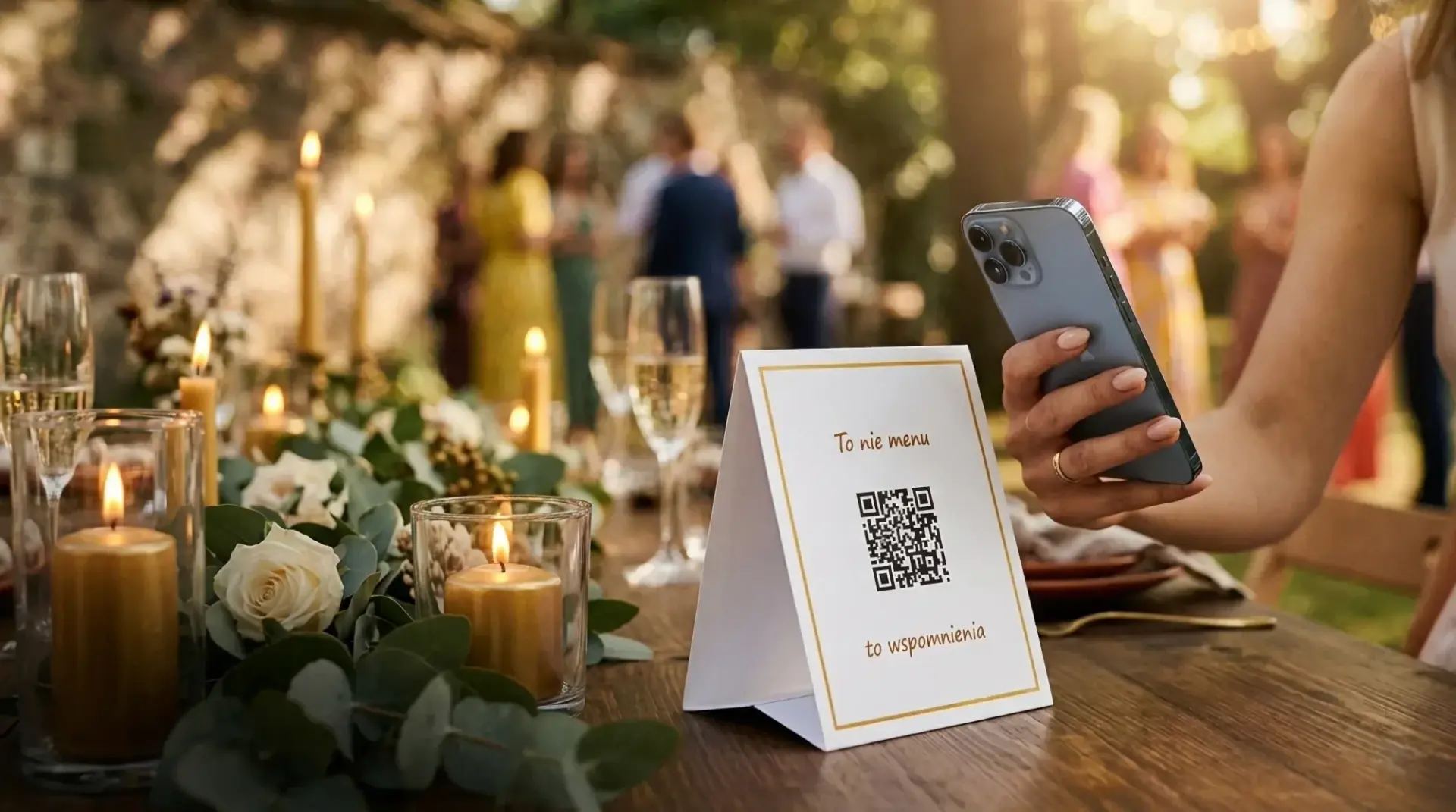
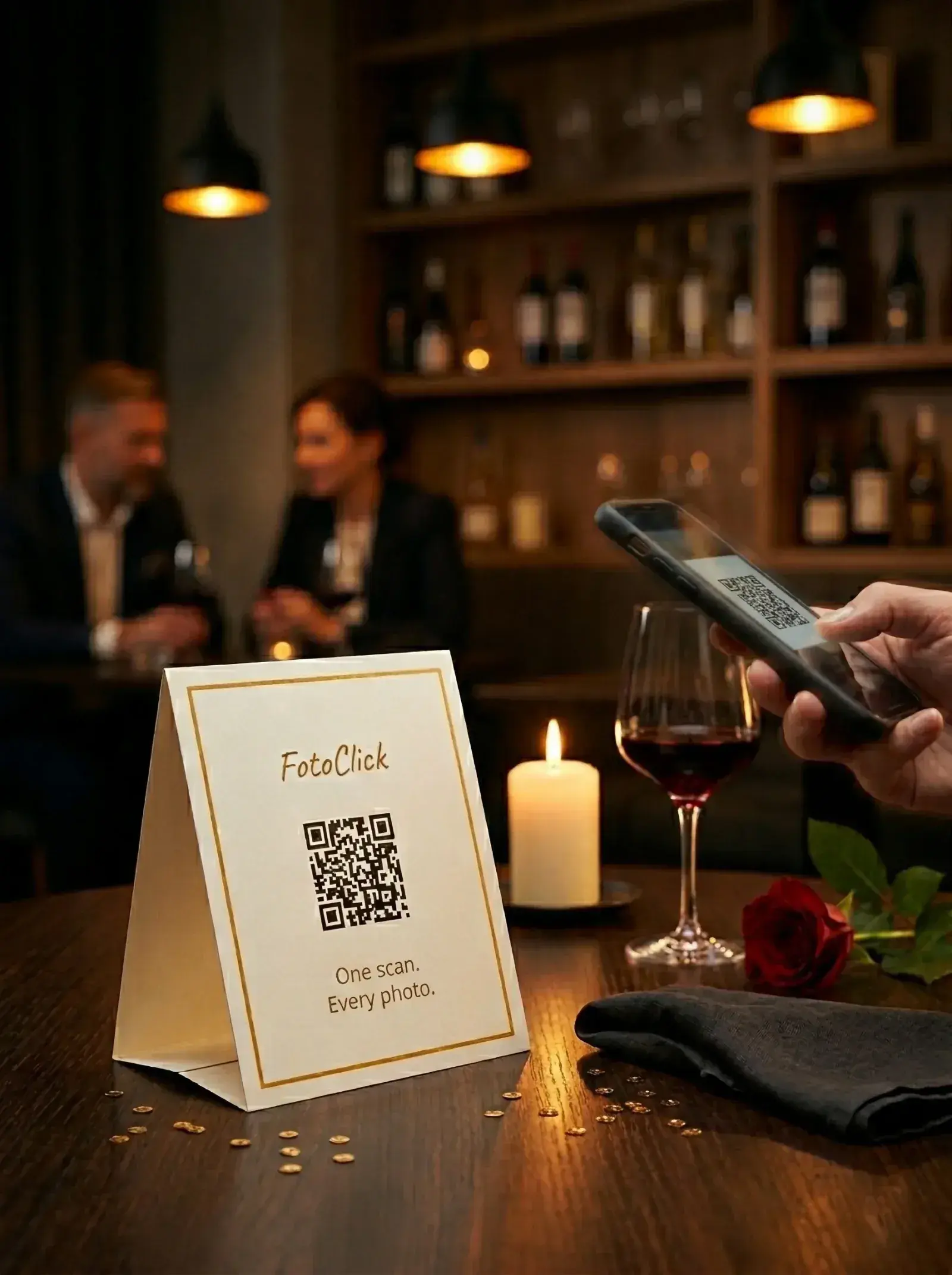
Open fotoclick.pl, enter your wedding's name, and get your QR code + link.
Step 3 — Turn on Live Show
In the organizer panel, click "Live Show". A dedicated page opens in a new tab with the photo slideshow running in kiosk mode — no interface, just a clean screen of photos.
Step 4 — Connect the laptop to the TV/projector
Run an HDMI cable from the laptop to the TV or projector. Open Live Show in fullscreen (F11 in your browser).
Step 5 — Set the pace and order
In the panel, you can set:
- Pace — 5 / 6 / 8 / 10 seconds per slide (5s is the sweet spot)
- Order — newest first / chronological / random
- Welcome slide — a first slide with your message (e.g. "Welcome to Anna & Martin's wedding"), then the guest photos start
Our recommendation: "Newest first" + 5 seconds per slide. That way fresh guest photos show up right after they're uploaded, while older ones get woven in every few cycles. No single guest can hog the screen.
Step 6 — Done
Live Show is live. Every new guest photo appears on the screen a second after it's uploaded. You don't need to refresh anything or click a thing. It runs until the end of the night.
A real example — Anna & Martin, a 200-guest wedding
A banquet hall in Kraków, July 2026. The couple went for a strongly visual wedding — white roses, gold accents, elegant lighting.
Their Live Show setup:
- A 65" TV mounted on a side wall of the banquet hall
- A laptop connected over HDMI, tucked away under the DJ's table
- Pace: 5 seconds per slide
- Order: "Newest first" + a welcome slide
What happened:
- Live Show ran non-stop the whole night — the newest photos hit the screen 1–2 seconds after they were uploaded
- Guests pointed at the screen, laughed, and called out "that's the one I took!"
- The first dance was captured from several different angles at once — grandma from the second row, a cousin from the dance floor, a bridesmaid from the buffet. The photographer had one angle; the guests filled in the rest
- After the first dance, Anna said, "it was like watching our own wedding from 150 people's points of view at once"
A bonus effect: weeks after the wedding, guests still remembered Live Show as "that great thing at Anna and Martin's wedding". It's a shared experience that gives your wedding its own reputation.
Live Show for every kind of event
Live Show isn't just for weddings — it works anywhere you're collecting photos from guests:
18th / 30th / 40th birthday parties
- A TV at the venue or at home
- Guests upload selfies, party shots, dance-floor moments
- Great for the atmosphere — everyone watches the screen between dances
Corporate events / conferences
- A TV in the conference lobby (photos of speakers + attendees)
- Company branding + Live Show = a distinctive touch for the event
- Afterwards: use those photos on the company's social media (with permission)
First communions / christenings / family anniversaries
- A TV at the restaurant or at home
- Family photos, live
- Privacy stays intact (PIN-protected gallery)
Group trips (hen dos, stag dos, team retreats)
- A laptop or TV at home at the end of the day
- Review the whole day's photos together
- Plus: a full-quality ZIP after the trip
What if the venue doesn't have a TV?
Three options:
Option 1 — A projector + screen Most venues have projectors (for presentations and the couple's own wedding slideshows). You can simply ask the venue for a projector and a screen — or a plain white wall. Live Show works exactly the same.
Option 2 — Bring your own TV A budget 43–55" TV is easy to order online — after the wedding you resell on a local marketplace or keep it for home. Alternative: AV rental shops carry TVs for the evening.
Option 3 — Live Show on a laptop or tablet at the venue Even without a TV — set a laptop or tablet running Live Show near the DJ booth or bar. Smaller than a 65" screen, but guests still see their photos and the feedback loop still works. The rest of FotoClick (gallery, ZIP, Announcements, push) works exactly the same.
Why other apps don't have this
The competition in Poland (Fotify, Evolly, LinkLove, Wspomnienia z Wesela, JustFilm, Weddie) all have galleries — every one of them does. Only FotoClick has Live Show.
Why? Because it's not trivial to build:
- It has to update the second a new photo arrives — not just refresh the page every few minutes
- It needs kiosk mode (no interface, fullscreen, automatic image loading)
- It needs smart mixing of fresh shots versus older ones (so the slideshow doesn't just replay photos from the first hour)
- It needs fallbacks (what happens if the internet drops, what happens if a photo won't load)
- It needs smooth transitions so it looks premium on a big screen
Most of the competition builds a "good enough" product — a gallery, a ZIP export, a badge designer. They don't invest in Live Show because it's a lot of dev work for a feature that "only 5% of clients will use anyway". We did the opposite — we decided this is the killer feature and put the work in.
Frequently asked questions
Does Live Show require a separate package? Live Show is available on every FotoClick plan — including the free one. On lower tiers a discreet FotoClick promo slide appears every dozen slides or so; on the top plan the screen stays clean, no branding. Details in the wedding photo app pricing guide and on fotoclick.pl.
Can I control which photos end up on the screen? Yes. In the organizer panel you can hide specific photos — they won't appear in the gallery or in Live Show. You can also set a PIN for guests — then only invited guests with the PIN can enter the gallery and upload photos.
What if the internet drops? The slideshow pauses until the connection is back — then it automatically pulls in the new photos and resumes. Photos saved to the cloud stay safe.
Does it work on any TV? Any TV with HDMI, plus a laptop. You don't need a smart TV (the laptop does all the work).
Can I add a "Welcome to Anna & Martin's wedding" slide? Yes. Live Show settings include a welcome slide option — the first slide is fully custom (you type the text), then the guest photos follow.
What happens after the wedding? Live Show keeps working afterwards too — you can run the same show for family and friends after the party. The gallery stays available for months — plenty of time to download the ZIP and keep it forever on your own storage.
How many photos per hour does Live Show display? At 5 seconds per slide with "Newest first", Live Show shows ~720 slides per hour. When there are more photos than that, fresh shots from the last few minutes get priority, and older ones cycle back in every few rounds so nothing gets skipped.
Does Live Show play videos? Currently in FotoClick — photos only. Guest video uploads aren't supported yet.
Troubleshooting — common issues
The TV doesn't detect the laptop through HDMI. On the laptop check the Fn + F4/F5 key (extend display). On Windows: right-click desktop → "Display settings" → "Detect". On macOS: Cmd+F1 (mirror) or System Preferences → Displays → Detect.
Live Show froze. Just hit F5 in the browser (refresh). Photos won't be lost — they're saved in the cloud.
Black bars on the sides of the screen. Check the TV aspect ratio vs the photos. Live Show scales automatically — if the bars are too wide, switch fit to cover in settings (crops photos to fill the screen, no bars).
Slideshow too fast or too slow. Default is 5 sec — the sweet spot. Too slow: guests get surprised then forget. Too fast: no time to admire. Try 3 sec for a high-energy wedding, 8 sec for a more relaxed one.
Where to go next
Live Show is the strongest single element of a wedding in 2026 if you're collecting photos from your guests. On top of that:
- How to collect photos from your wedding guests — the full organizing guide
- Wedding QR code — how to design the badges — because without a QR code, there are no photos
Live Show in FotoClick can be the difference between an ordinary wedding and one your guests are still talking about a year later. Give it a try.
Create an event in 30 seconds
Guests scan a QR code and upload photos. No app, no account needed.